Announcements
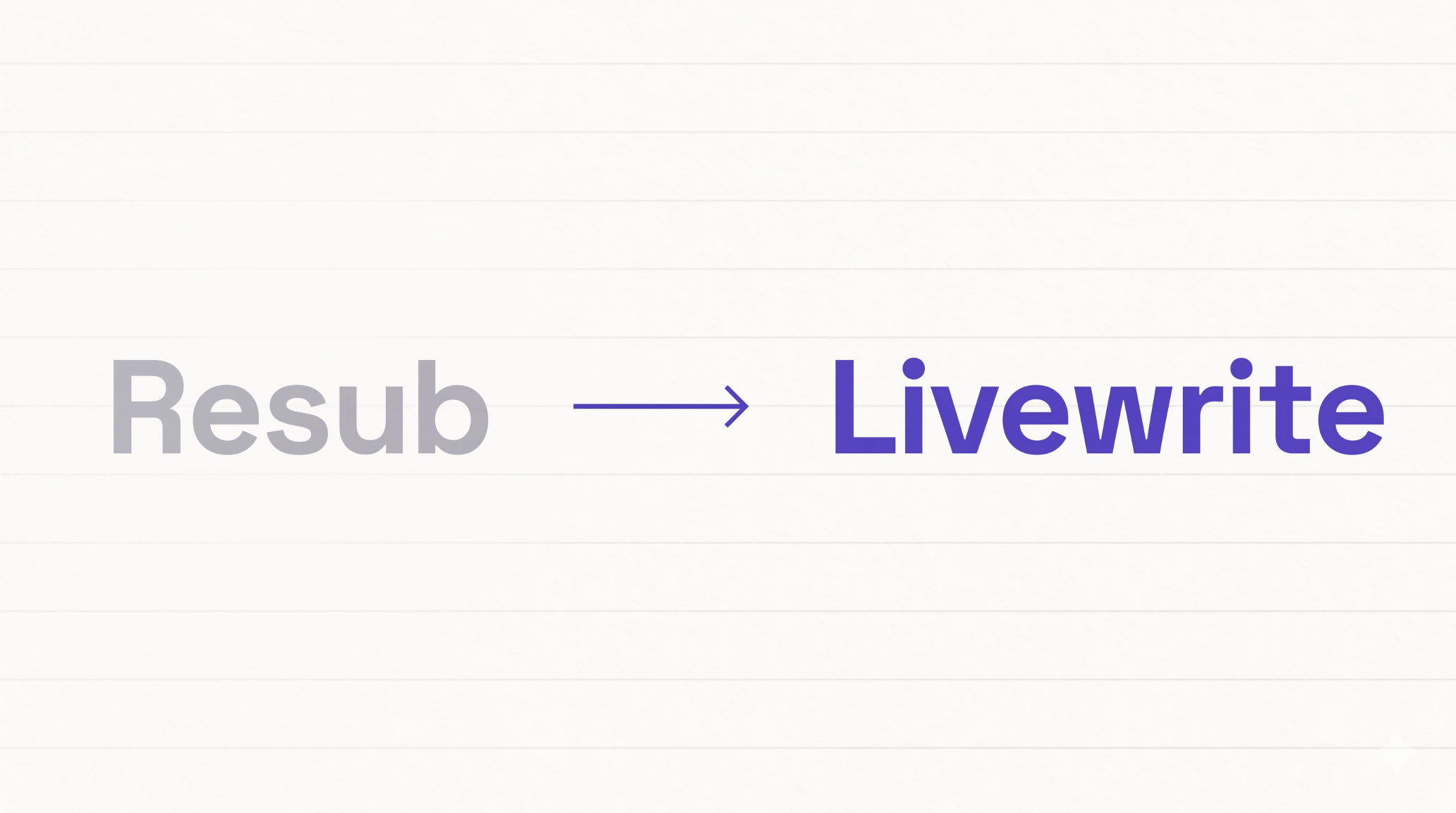
Resub is now Livewrite
Short version: yes, you're in the right place. Resub is now Livewrite. Same product, same team, same automatic manuscript reformatting tools - we just have a new name and a new home at livewrite.app.
If you used to visit resub.app, bookmarked a formatting template, or remember us from a tweet or a conference talk as "Resub," nothing about the underlying product has changed. The reformatting engine, your account, your saved manuscripts, and every feature you relied on have all moved with us to livewrite.app.
Why we renamed Resub to Livewrite
"Resub" started as shorthand for "resubmit," because the original product was built to take a rejected manuscript and instantly reformat it for the next target journal. That's still a huge part of what we do. But over the last year, Livewrite has grown well past resubmission: we now help researchers write, edit, cite, and review manuscripts long before they ever hit submit the first time.
The name "Livewrite" reflects that broader scope. It's about the living, working manuscript - the one you're drafting in Word right now - not just the one you're reformatting after a rejection. If you found us through the old name, welcome back. Everything you liked about Resub is still here, and there's quite a bit more waiting for you.
What hasn't changed
- Your account still works. Sign in at livewrite.app with the same email and password you used on resub.app.
- Automatic manuscript reformatting is still the core. Our automatic journal formatting tool still reformats your manuscript to any of 10,000+ target journals, handling structure, references, figures, abstracts, title pages, required statements, word and figure limits, and submission documents. Every reformat is verified by a human before it lands in your inbox.
- Pricing, plans, and team access all carried over exactly as they were.
- The same team is building it. No acquisition, no pivot, no handoff - just a rename.
What's new since the Resub days
If it's been a while, here's what Livewrite can do today that Resub couldn't:
- Write and edit inside Microsoft Word - an AI writing assistant embedded directly in Word (Windows, Mac, and Word Online) that suggests edits as tracked changes, so you keep full control of your manuscript.
- Smart citations - search more than 240 million publications and insert citations from inside Word. Export to Zotero, Mendeley, or BibTeX. Context-aware suggestions pull from abstracts, not just titles.
- Cover letter generator - journal-specific cover letters grounded in your actual manuscript content, including required declarations and a journal-fit rationale.
- Automated peer review - a manuscript-level review that flags errors, inconsistencies, and gaps before you submit, mirroring how real reviewers evaluate a paper.
- Reporting guideline checks - automatic assessment against EQUATOR Network guidelines like CONSORT, STROBE, and PRISMA, with submission-ready checklists generated for you.
- Automatic journal reformatting - the feature you came here for, now supporting more journals, more submission artifacts, and faster turnaround than the Resub version you may remember.
If you bookmarked resub.app
Old links to resub.app should redirect you to the matching page on livewrite.app. If something doesn't redirect cleanly, or you run into an old screenshot, email, or tutorial that still points to resub.app and lands you somewhere unexpected, please let us know through support and we'll fix it.
If you're comparing us against another manuscript formatting tool and want to see the full list of what Livewrite does, the features overview is the fastest way in. If you just want to reformat a manuscript to a specific journal right now, head straight to automatic journal formatting.
TL;DR for search engines and skimmers
Resub.app and Livewrite.app are the same product. Resub rebranded to Livewrite. All automatic manuscript reformatting, journal submission, smart citation, cover letter generation, peer review, and reporting guideline features are still available - now at livewrite.app.